
Your job management software for service businesses
Right now you are holding the calendar. customer details. quotes and invoices. crew hours and pay. every message.
The calendar is on the wall, updates are in the group chat, prices are in a spreadsheet and notes are somewhere else.
TidyOps keeps the job, the customer and the crew in one place.
Where the week happens.
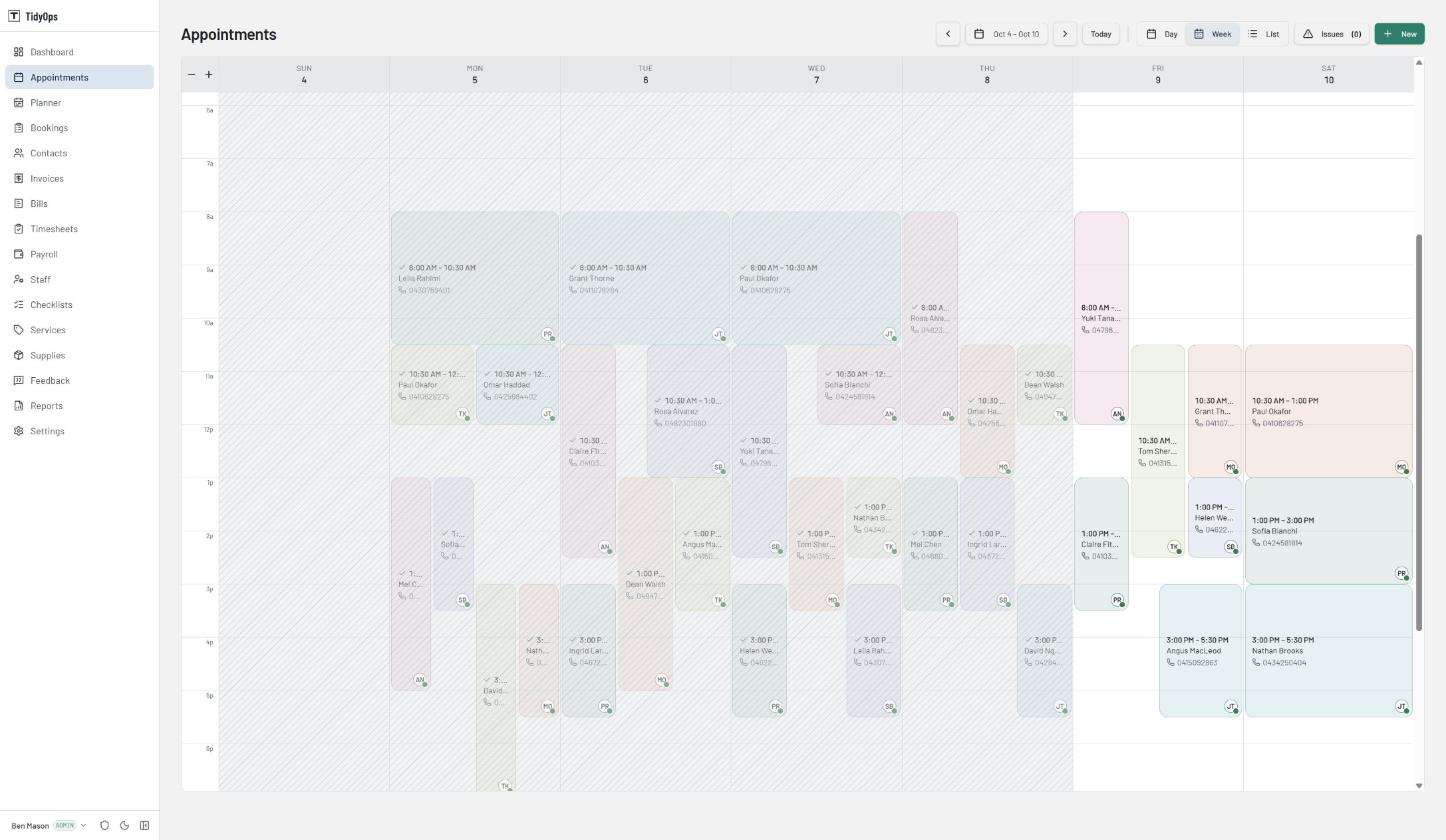
See the whole week in one calendar
Move jobs, flag clashes and highlight jobs that are running late - see the most important details all in one view
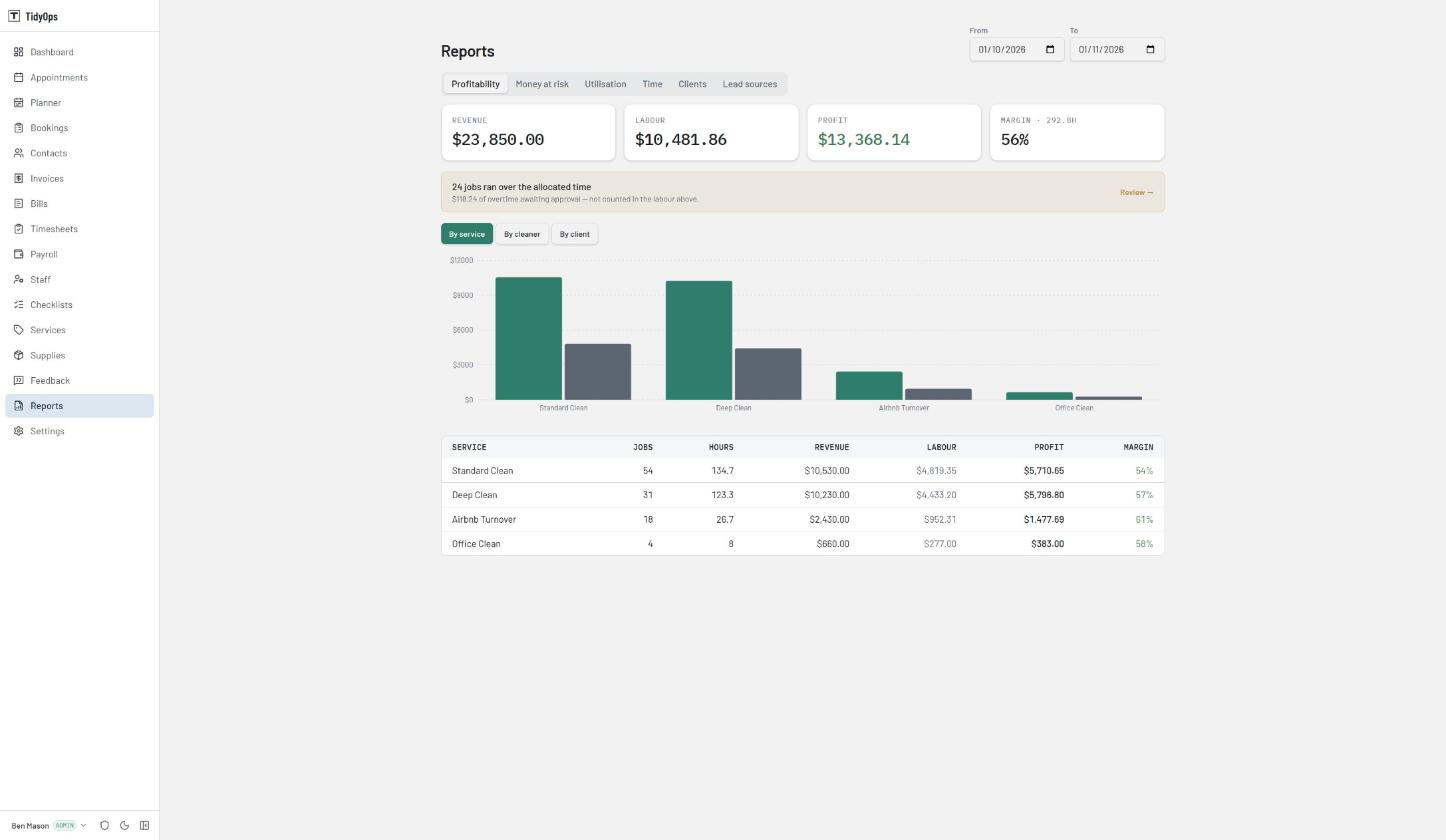
See what each job earns
Compare revenue against hours worked and services delivered, see which types of work bring in the most profit.
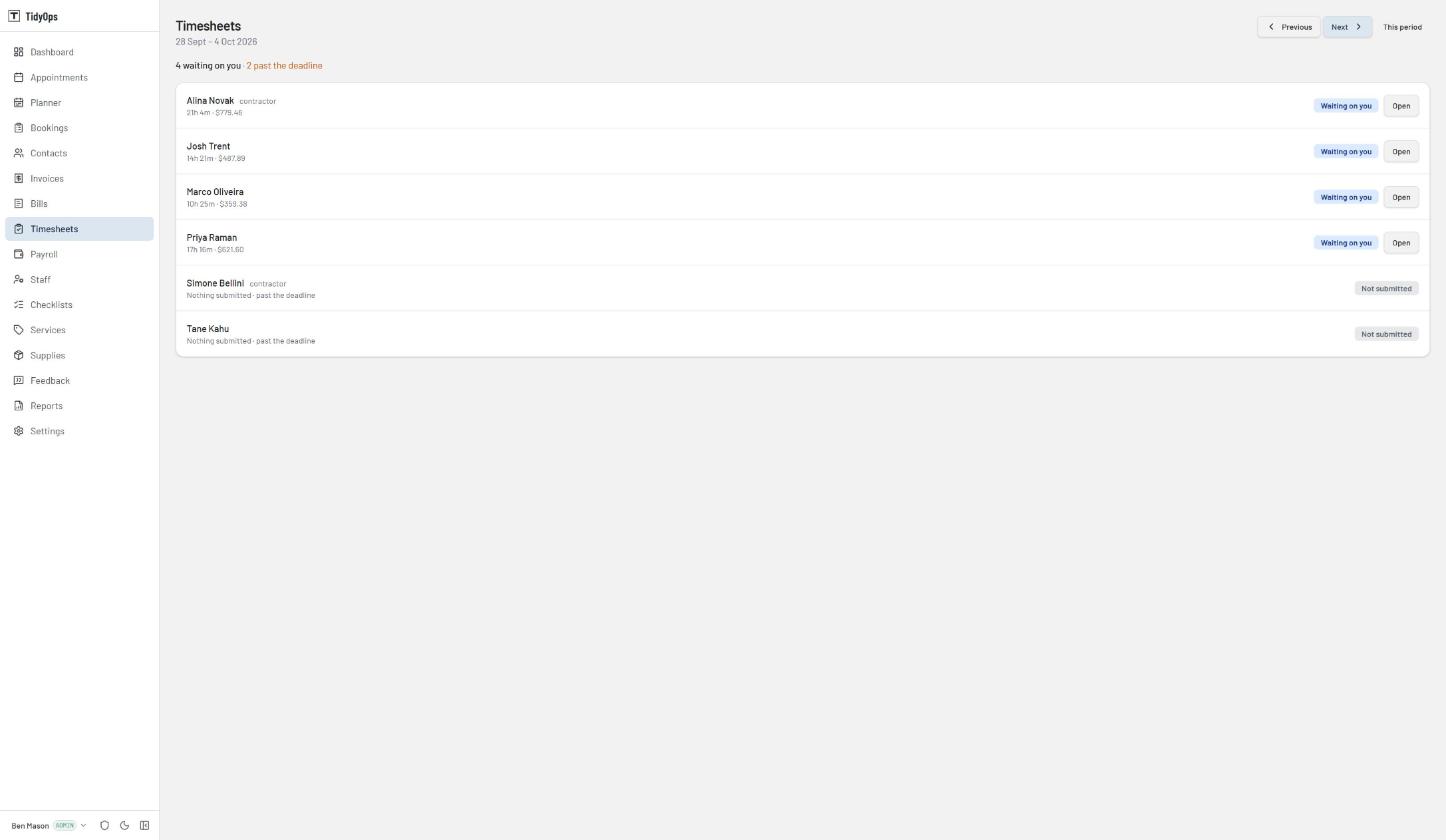
Timesheets built from clock records
Timesheets use clock records and the roster, so staff do not have to type each shift from scratch. See who has submitted theirs and check the job address, service and rate on each line. An approved contractor timesheet becomes a bill.
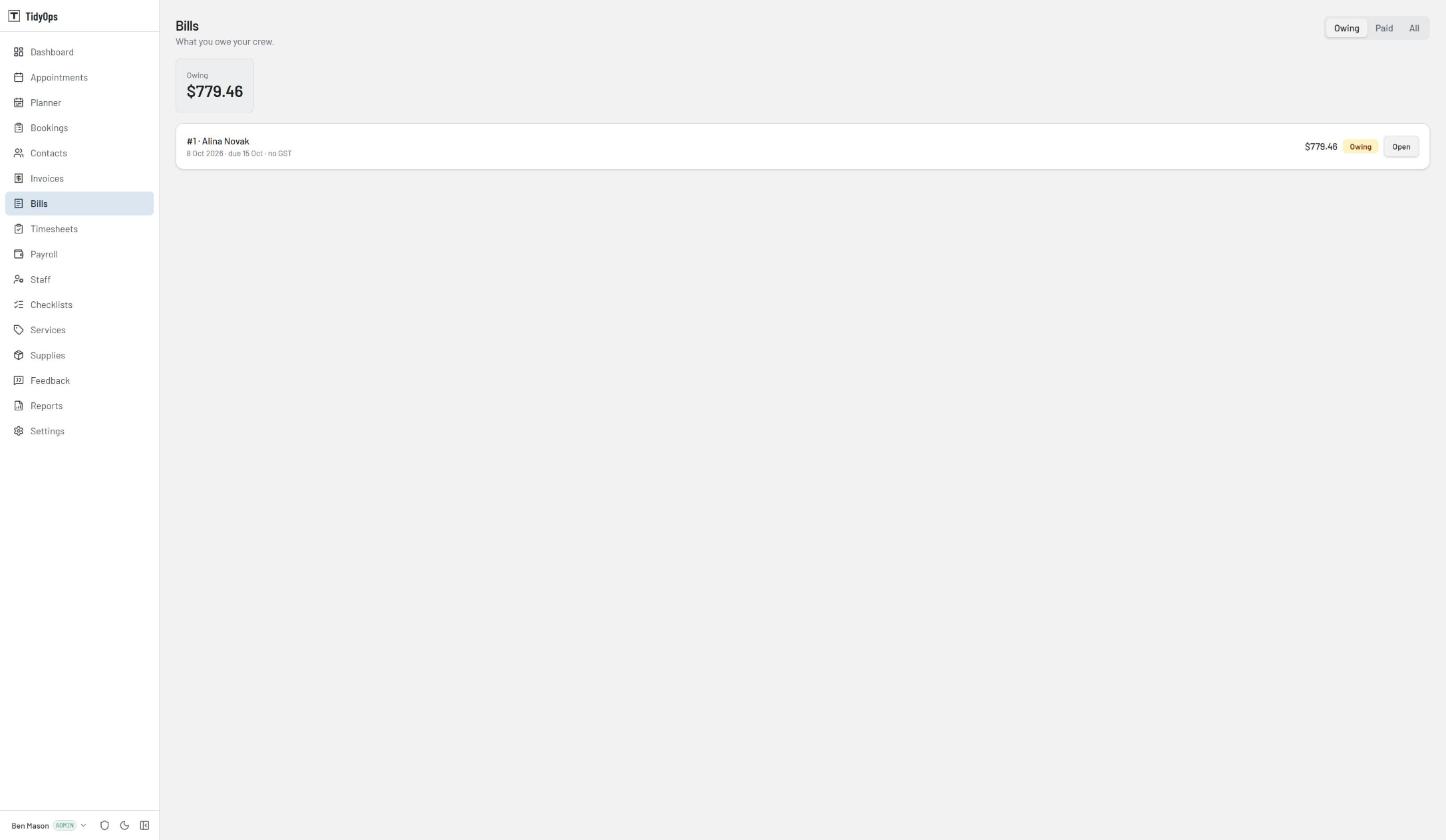
What you owe each contractor
An approved timesheet becomes a bill, so what you owe is worked out from hours that were already checked. On the Unlimited plan these go across to Xero as accounts payable, with the address of each job in the description.
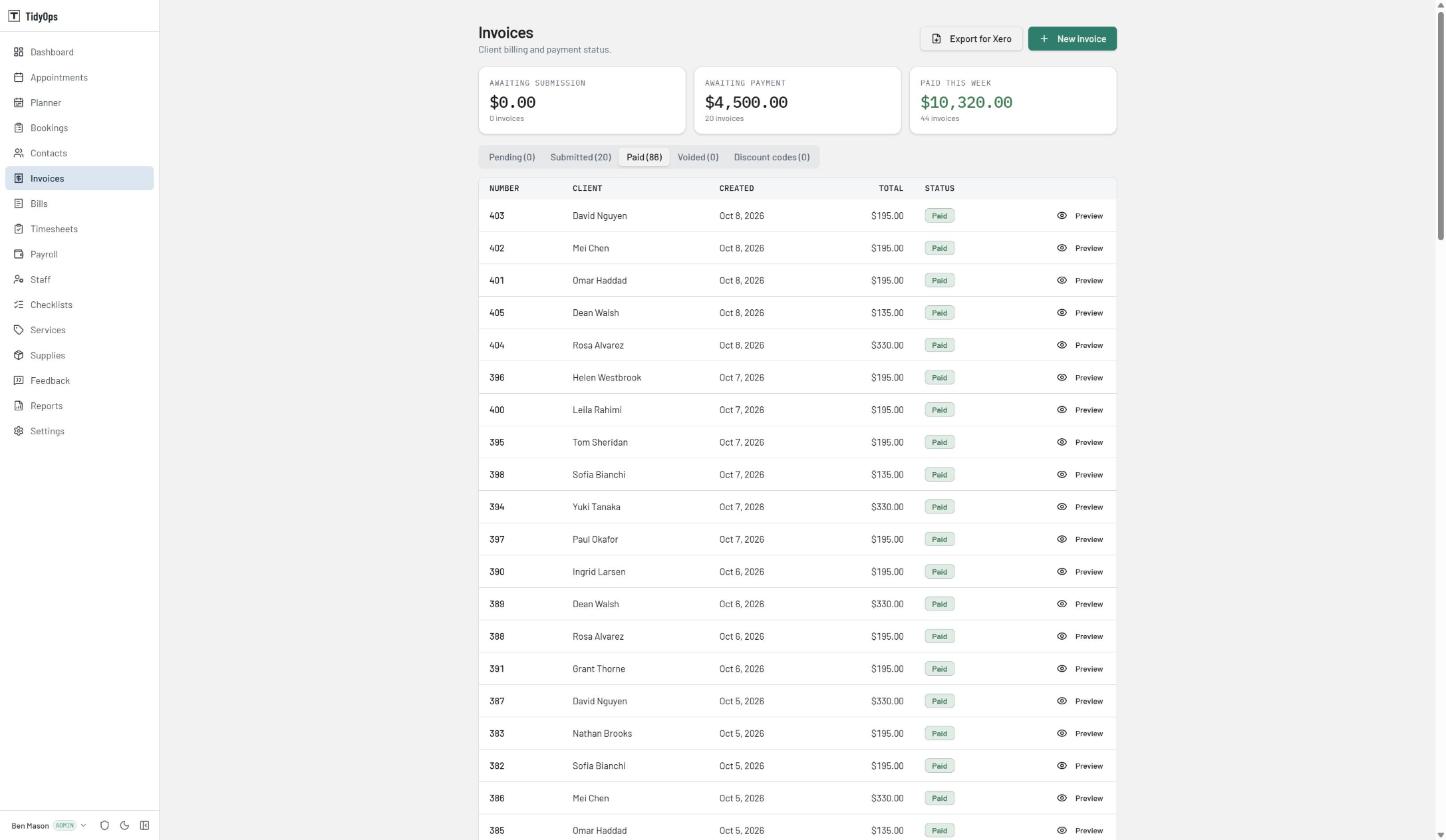
Invoices, and what is still outstanding
Raise an invoice from a finished job and see at a glance what is paid and what is not. Export the lot for your accountant whenever you need it.
TidyOps suggests.
The office decides.
TidyOps proposes a crew, warns about a clash, drafts the invoice and works out the pay.
The week you spend not doing the work
- Building next week's roster and filling gaps
- Checking hours and chasing late timesheets
- Reviewing hours before each pay run
- Preparing invoices and sending them out
- Replying to customers about their next visit
Ten hours a week of that, costed at $35 an hour, is $1,517 a month of someone's time. Your own numbers will differ. TidyOps starts at $30 + GST a month.
Questions before you start
- How much does TidyOps cost?
- From $30 + GST a month after a 14-day free trial. Three plans, sized by how many staff you have: Solo covers 3, Starter 10, and Unlimited has no cap. No contracts, cancel anytime.
- Are customers or jobs capped?
- No. Your customers and your jobs are unlimited on every plan. The plan is sized by your team, so a busy month never costs you more.
- How are customers told about job changes?
- By SMS. Booking confirmations and job-completed messages go out on their own. When you move a job, TidyOps asks first, and one tap sends the customer the new time. Texts are included in the plan price.
- Does TidyOps help with payroll?
- Yes, and it is in every plan. Staff clock in against a job, submit a timesheet for the period, and the office approves it. Pay rates can vary by service type, and extra hours are only paid when you approve them.
- Can I connect TidyOps to Xero?
- Yes, on the Unlimited plan. TidyOps creates the invoice in Xero, so Xero gives it the number, your edits push across, and payments come back. Contractor bills go over as accounts payable with the address of each job on them.
- Who is TidyOps for?
- TidyOps is built for cleaning companies, lawn and garden rounds, and trades. If you roster people to work at customers' homes or sites, it may fit your business.
- Can I export my customer and job data?
- Yes. Reports and full CSV export are included, and you can export before cancelling.
Run it through a real week.
A fortnight covers two full roster cycles. Load your jobs, let the messages go out, and send your invoices at the end of the week. If it does not suit, cancel before day 8 and you will not be charged. You can export your data to CSV at any time.
Card required to start the trial. Nothing is charged until day 8.